

None of the products linked on this page are affiliate links. I don't earn anything from recommending them.
Setting up online tuition:
Nothing on this page is expensive, and none of it needs buying before the first lesson. A cardboard box and a pot of milk bottle lids will get you most of the way.
If you can't get hold of something, we work round it.
Where your child works
A table and chair suits most students - somewhere with as little background noise as possible, but where an adult can be comfortably within earshot.
It doesn't have to be a table, though. Some of my students do their lessons from the sofa, one works with his favourite cuddly toy beside him, and I've taught children out in the garden when they needed to move about. If getting your child to a desk is the hard part of the day, it doesn't need to happen before a lesson can.
Some students like a fidget toy to help them focus. I keep a collection of them on my desk, so there's no shame in using one - my favourite is an infinity cube.
The screen and the sound
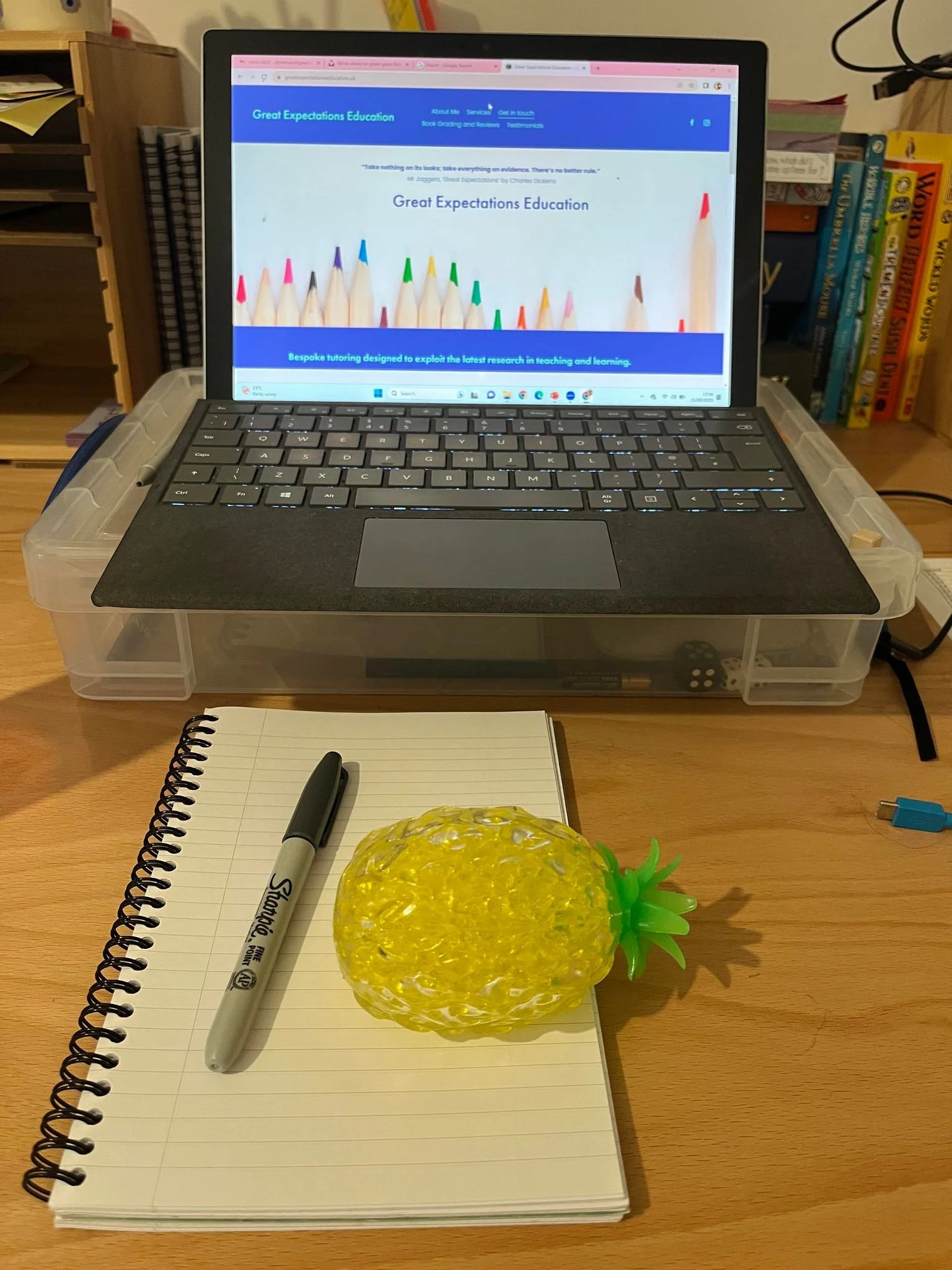
I teach from slides on screen, so the picture is as important as the sound. A laptop or tablet is much easier than a phone, which leaves no room for a slide and a face at once.
Check the camera can see what your child is writing, or that they can tilt the screen down for a moment. Holding a whiteboard up to a camera works best when the camera isn't pointing at the ceiling.
Plug the device in, or charge it beforehand.
If the connection drops, rejoin the lesson as soon as you can. We'll keep in touch by WhatsApp if that happens.
Storage and Equipment
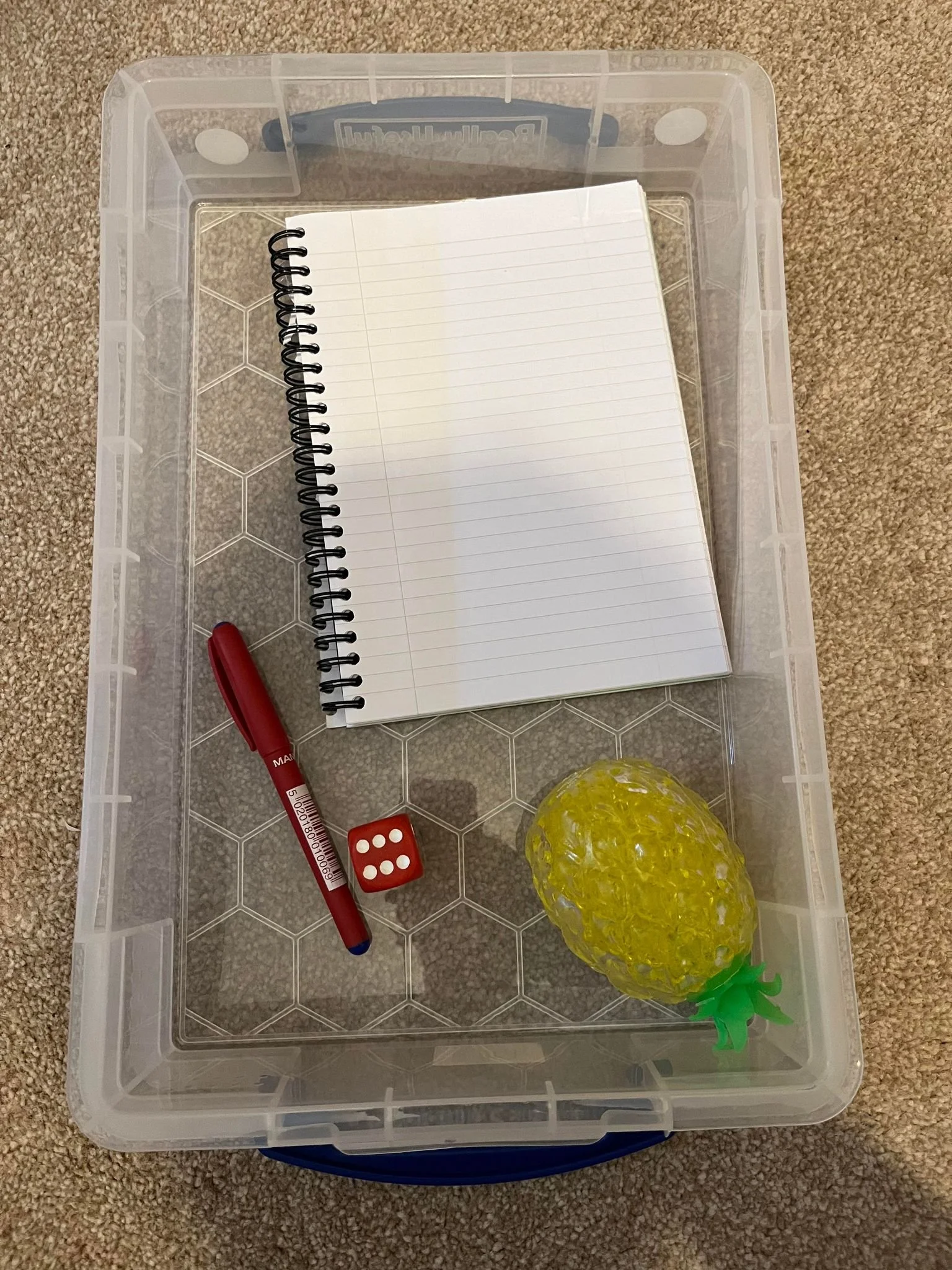
Find a box that can be used to store the tuition materials, so that they’re easy to find at the start of the lesson. A cardboard box would be absolutely fine.
What goes in the box
A comfortable pen and a notepad.
Your child may also like to have a mini whiteboard and a whiteboard pen, so that they can show me individual words they've spelled (it's a bit easier than holding up a notepad!). Some students choose to write on a tablet, which works just as well.
Writing on screen
I write on my screen during the lesson, using a graphics tablet, and some students like to do so as well. If you don't have a touch screen and pen, a graphics tablet does the job.
In the box, provide a comfortable pen for writing, a notepad. Your child may also like to have a mini whiteboard, and whiteboard pen, so that they can show me individual words they’ve spelled (it’s a bit easier than holding up a notepad!). Some students choose to write on a tablet, which works just as well.
I write on my screen during the lesson, using a graphics tablet (I use this one), and some students like to do so as well. If you don’t have a touch screen and pen, then a graphics tablet works well.
For literacy-based lessons
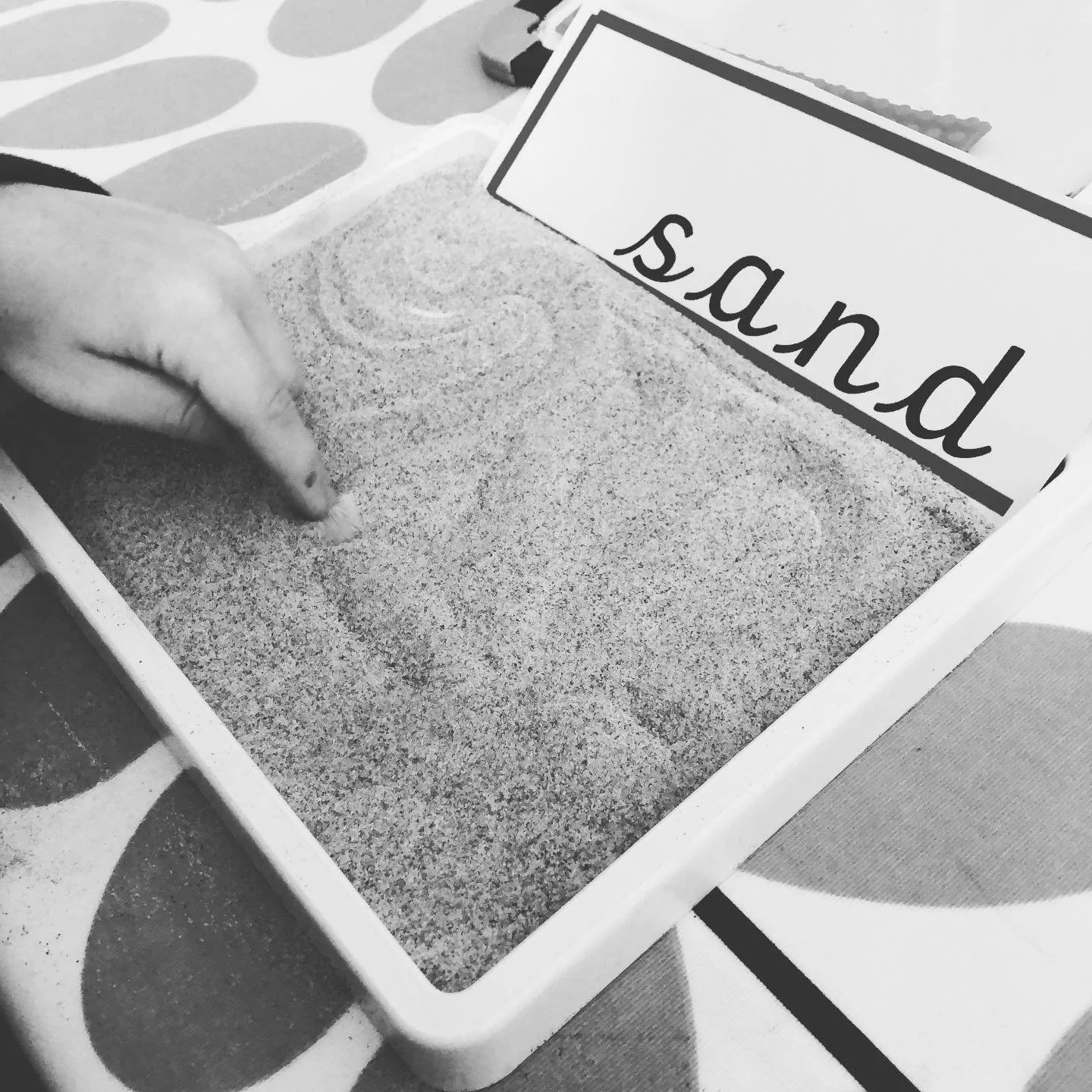
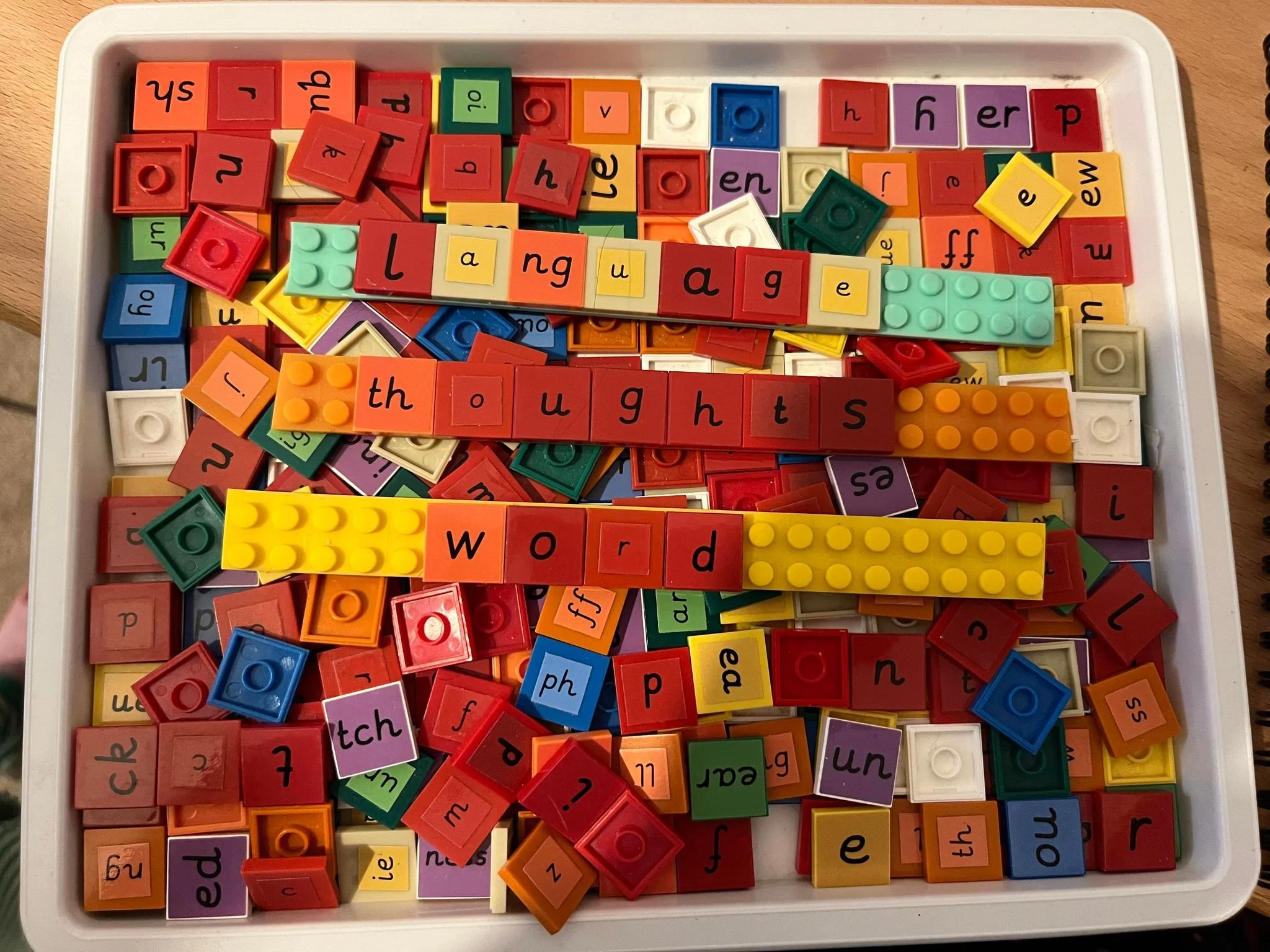
Your child will need something that can be used for making words, using multi-sensory strategies. I love these letters from Fun Phonics (no affiliation); Phonics for Pupils with Special Needs produces a more affordable move-able alphabet. I’ve laminated mine, and attached velcro dots to the tiles.
Other materials may be useful as lessons progress, such as sensory salt or rice, window pens.
They'll also need a reading book, which we'll choose together. The books I've graded are here.
Numeracy-based lessons
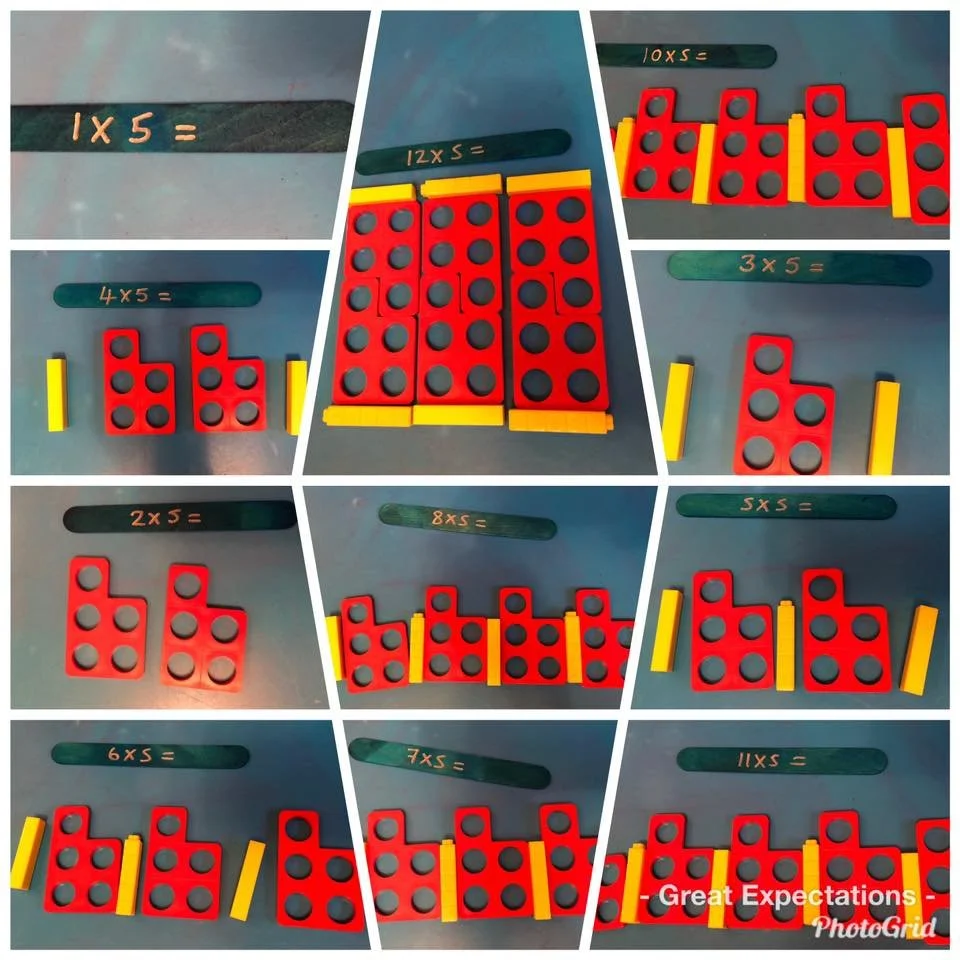
Your child will need manipulatives to support them in their maths lessons. I recommend investing in a set of Numicon, as this can be used across keystages. Base Ten materials are also useful and any counting manipulatives (you can buy cubes, but milk bottle lids will do a similar job, or natural materials found on a walk).
For handwriting lessons
The paper is the thing to get right. Morrells narrow-lined and wide-lined handwriting paper are both free to download and print . Their handwriting booklets are worth using between lessons, and two of their free downloads are useful at home: handwriting tips for parents and the infinity sign exercise.
Some learners may benefit from specialised equipment, such as the Sportwriter, the Grotto pencil grip, a finger spacer or a writing slope. One of my own children benefitted immensely from using one of these handwriting boards.
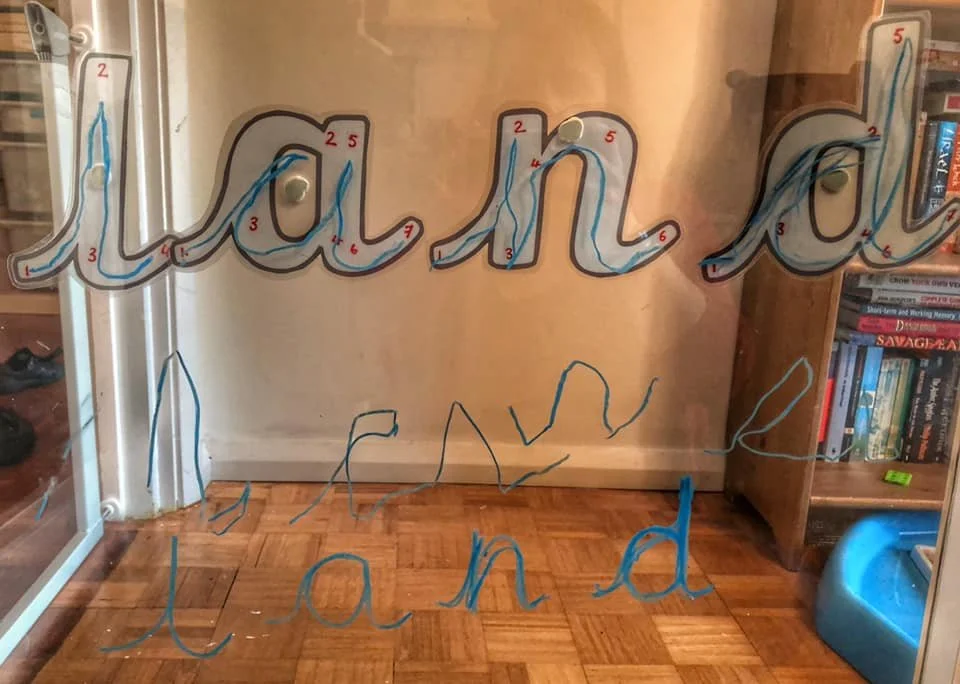
Camera position matters more in handwriting lessons than in any other. I need to see the paper and the hand. I keep Whatsapp open, so it would be useful if you could send me photos ‘live’.
I trained in the Morrells method with Sue Smits, so I’m familar with their products, but I have no financial interest in the company.
English Lessons: KS2, KS3, GCSE and A Level English
A printed copy of each set text, in the edition we agree on. Edition matters for Shakespeare, because the line numbering has to match what's on my screen.
Highlighters or coloured pens for annotating printed extracts. ⚠ Do students annotate on paper at their end, or only on the shared slides?
A folder for extracts and practice questions, kept in the same box.
The exam board and specification code, if you know it. The school will have it if you don't.
Details of any access arrangements - extra time, a reader, a scribe, a laptop. It changes how we practise, so it's useful from the start.